

 Leah Parker
We want to celebrate your birthday with you! Each year, we give our users a gift on their birthday—a coupon code worth $20.00 off your next $50.00 purchase on logos.com. This is our way of saying thank you for using Logos and that we want to help...

 Logos Staff
Here at Faithlife, we know you went into ministry because you were called by God to serve his people. It’s not an easy route to success, that’s for sure. But you’ve probably faced times (even now!) when you’re not sure how you’re supposed to do...

 Mark Ward
Today, November 1, Faithlife is launching the brand new Bible Study Magazine Podcast!

 Bob Pritchett
The number-one obstacle to improving Faithlife software is a shortage of awesome software developers. And they may be hiding in your church, school, or neighborhood. We need your help to find them—and we’ll pay you for it! Refer a software developer...
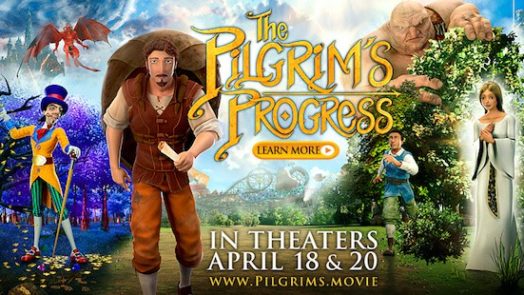
John Bunyan’s famous Christian allegory has become an animated feature film. Watch the trailer: Written by John Bunyan in 1678, The Pilgrim’s Progress is one of the most enduring pieces of religious literature ever written. It’s been cited as the...
 Tavis Bohlinger
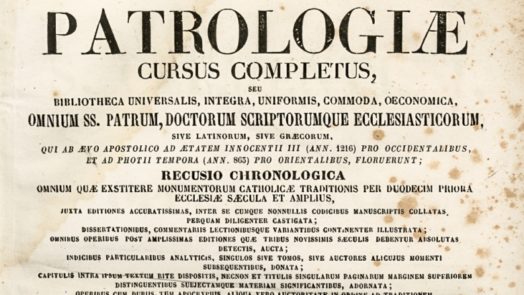
Perhaps the most exciting and ambitious project of 2018 is the end-of-year release of Part 1 of the Patrologiae Cursus Completus, Series Graeca on December 26, 2018. We talked to both Rick Brannan, the profoundly-expertised-Greek-guru-resident...

 Matthew Boffey
As a church, your priority is to reach people, but you also want to be financially prudent. So you may be wondering, “Does our church need an app, and is a church app worth the money?” In this article, I compare church websites vs. church apps in...

Join us at Faithlife’s Bellingham, WA headquarters for a behind-the-scenes day of product showcases, tours, and Q&A. Meet the people who build your favorite Bible study tools, and learn about exciting new developments in the works. When: Monday...

 Eric Vaniman
If you’re a pastor, you lead a busy life. It’s hard to prepare for the next sermon, stay connected to your congregation, and maintain a balanced family life—all while trying to find time alone with God, to draw close to the one who’s...

 Jonathan Watson
One of the best things about C.S. Lewis is his broad appeal. He wrote numerous volumes on multiple topics, spanning from medieval works to apologetics to children’s literature. In short, his genius is easily appreciated by many different...

 Ryan Nelson
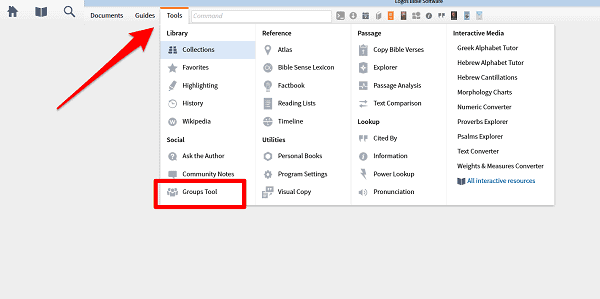
Some Faithlife Groups are just for you and a handful of other people—like your small group, or you and an accountability partner. But not every group needs or wants complete privacy. You can join Faithlife Groups that use unique document-sharing...
 Ray Deck III
Faithlife Groups serve as the digital home for your faith community. They offer tremendous collaborative power, including document sharing, prayer lists, newsletters, and more! With Logos 6, that power is now available directly inside the...

Logos 6 has been more than 20 years in the making. Behind the curtain, October 27 was a day of celebration—of people, of technology, and of hard work. Walking through the doors of Faithlife on Monday was unlike any other day since I’ve been...
Logos 5’s documents menu gives you 11 different document types (and Documents.Logos.com reveals four more). Each one works a little differently, so you’ll always have the right tool for the job. Last week we explored the first five; this...
Imagine studying the Bible with more clarity. Imagine being able to sit with the best teachers around, learning from their experience and wisdom, and exploring the Bible with them at your side. Imagine asking any of your questions and having your...

Today’s interview is with Mark Prim, the Southeast Michigan Coalition for Men’s Discipleship area director for Man in the Mirror ministries. Prim helps pastors and leaders establish an intentional strategy to reach and disciple men. How...

Joining a small group is simultaneously the most rewarding and the most challenging part of many people’s church experience. Those who make the jump to hosting a group find their rewards and challenges multiplied. We built the digital faith...
In a survey conducted by Lifeway Research, 90 percent of churchgoers responded that they “desire to please and honor Jesus” in all they do. Yet only 19 percent reported reading the Bible every day. Why do so many people neglect to read...

 Dominic Sickich
The English Standard Version Bible (ESV) is the revised and edited version of the Revised Standard Version, which many consider to be the twentieth century’s best translation. Led by Dr. Lane T. Dennis in the early 1990s, hundreds of people...

“You’re a pessimist.” “No, I’m a realist.” I’ve heard my dad, a pastor with several decades of ministry experience, respond to that criticism several hundred times. About half of them were leveled, with a...
God’s plan of redemption stands at the center of Scripture, so if you’re already engaged in a relationship with God, you can ignore the Bible—right? Wrong. Here are three reasons why: Relationship God values relationship so highly...
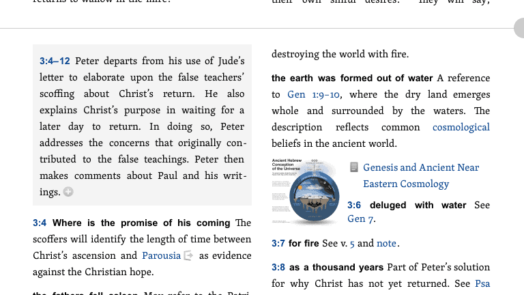
The Lexham Bible Dictionary, the world’s most advanced Bible dictionary, is getting bigger and better. Buying a Bible dictionary is usually like buying a computer. As soon as you get it home, it’s already out of date. Words printed on physical...
You subscribe to LogosTalk because you want to hear about special offers, learn to do better Bible study, and stay up to date on the latest Pre-Pubs—but have you subscribed to our other blogs? We operate a whole network of blogs that cover...
 Nate Smoyer
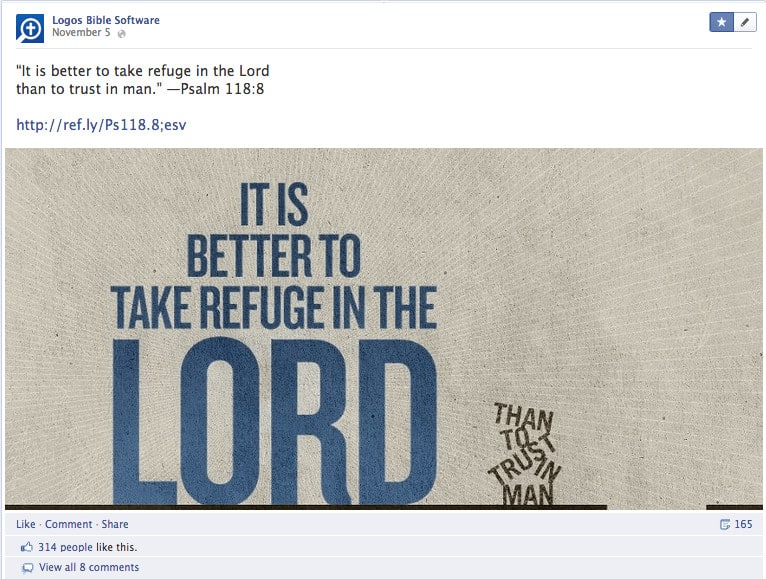
Sharing Scripture with friends and loved ones has never been so easy—and Logos is working to make it even easier. Every morning we post Scripture art to a few of our Facebook pages. We’ve received quite a few requests to make these images available...
Time is running out to take advantage of introductory discounts on Logos 5. Upgrade by the end of the day on February 4 (PST) and save up to 20%! These savings are on top of the discounts you’ll get for Logos 5 books you already own. Upgrade...
We're giving away 2.5 million copies of the Faithlife Study Bible!* Available on iPhone, iPad, Android, Kindle, or online at Bible.Faithlife.com, the world's most largest, most advanced study Bible goes wherever you go! To get your free copy, just...

 Jack Chambers
“Being able to not only have your Bible right there, but to have all types of different tools and resources sitting in the palm of your hand gives you an endless amount of time to grow in your faith and grow in the Word.”—LeCrae on the Faithlife...
 Joel Muddamalle
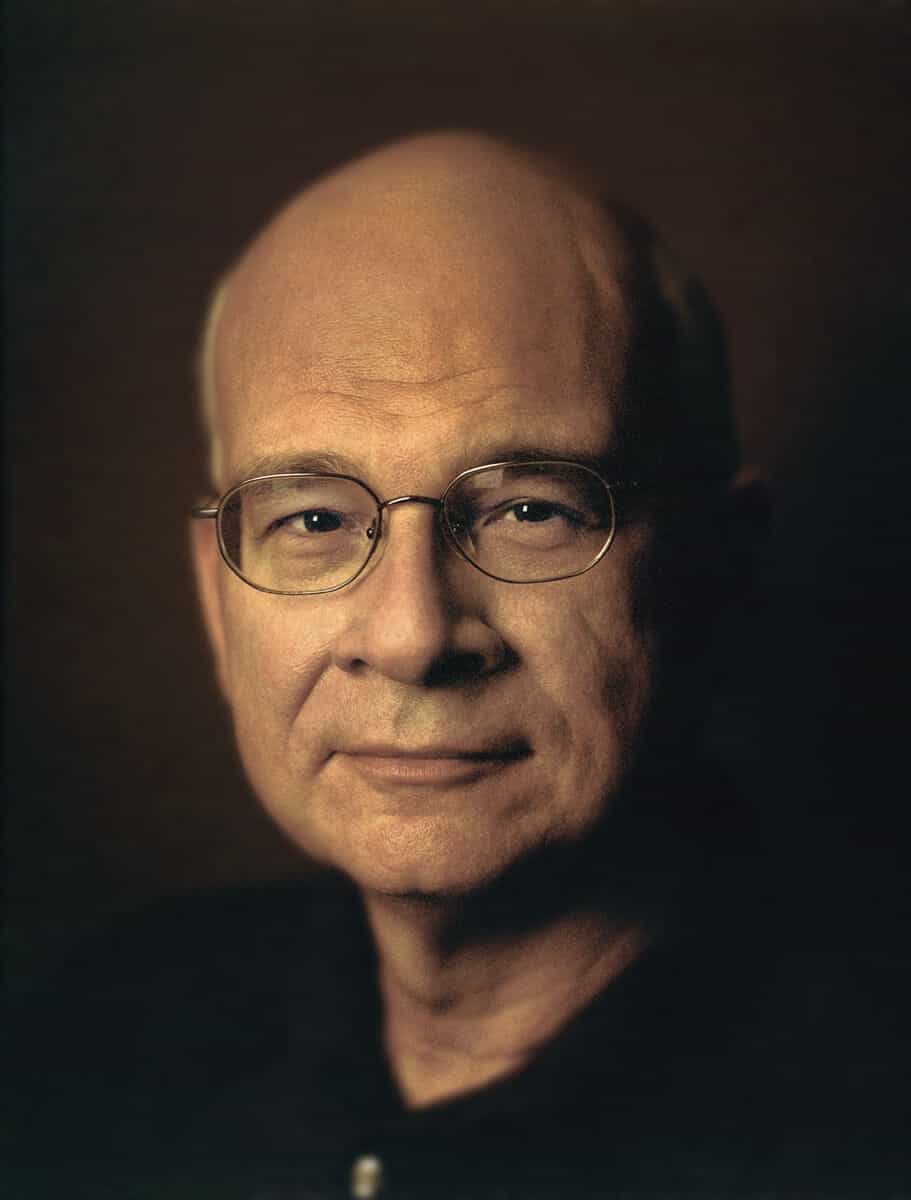
The Faithlife Study Bible is always adding rich content—most recently, “Old Testament Law and the Charge of Inconsistency,” an article by New York Times bestselling author and Redeemer Presbyterian church senior pastor Dr. Timothy Keller. Dr...

Faithlife's latest update is a huge step forward for your online Christian community. With the addition of events and calendars, you can organize all your group outings, celebrations, and services, all in one place. Create a Faithlife Event I just...
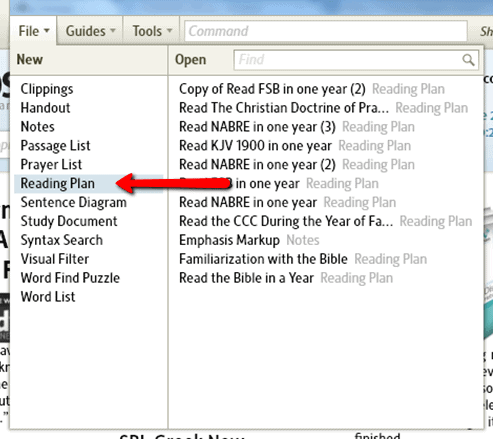
It’s easy to connect with your Faithlife groups using custom reading plans. Whether it’s for your church, your small group, or your Christian book club, you can create a plan around your schedule and needs. Maybe you already have a Faithlife...